
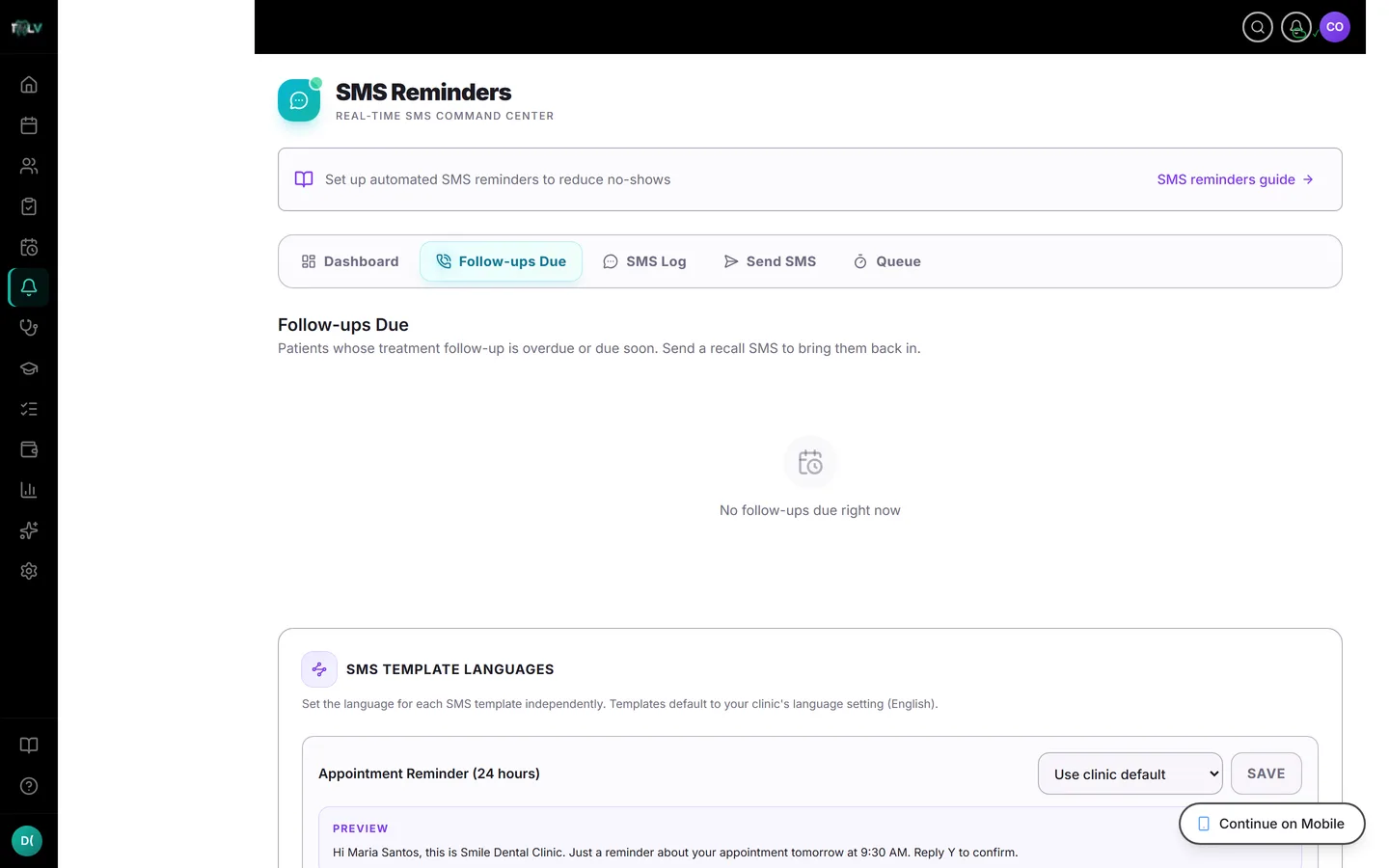
Follow-ups Due: The Recall Worklist
See every patient overdue for a check-up and send recall SMS with one tap from the Reminders page.
Recalls Are Revenue You Already Earned
Every completed procedure with a genuine reason for review — a re-evaluation, a prosthesis check, the six-month cleaning — is a future appointment waiting to be claimed. Clinics lose that revenue not to competitors but to silence: nobody called, so nobody came. The Follow-ups Due list turns those loose ends into a worked queue, and one tap per patient sends the SMS that refills your book.
Where Recalls Come From
Two sources feed the list:
- Clinical recalls — when you record a procedure or follow-up in a patient's Case Record with a Recall date, that date creates the entry here. This is why the recall field matters at charting time: the list only knows what clinicians tell it.
- Cleaning recalls — the automatic 6-month prophylaxis cycle, on as long as the recall SMS category is enabled in Settings > SMS.
Working the List
Open Reminders > Follow-ups Due. Recalls group per patient — a patient with two due teeth is one card and one message, not two texts in an afternoon — in two sections:
- Upcoming — amber "Due · {date}" badges: due soon, not late.
- Overdue — red badges that escalate with age: "Overdue {n}d", stronger past 14 days, critical with a warning icon past 30. The visual escalation is your triage order — work the reds first.
Each procedure row shows "Tooth {FDI} · {procedure}" so you know exactly what the recall is for before you send.
Sending and What Happens After
Click Send recall SMS on a patient's card (disabled when there's no phone on file — another reason to capture numbers). The card then shows "Recall SMS queued" and the send time, and a per-patient cooldown prevents accidental double-sends even if two staff work the list at once. When the patient books and the new visit gets its own recall date, the old entry clears naturally — the loop closes itself.
Closing a Recall Without a Visit
Some recalls shouldn't be chased: the patient had the work done elsewhere, declined further treatment, or the recall no longer applies clinically. Click Dismiss on the procedure row, pick a reason, add an optional note, and confirm. A dismissed recall stays closed unless a new follow-up sets a fresh date — so your overdue list keeps meaning "needs action," not "needs excuses." A recall list you can trust at a glance is the entire point: if everything on it is genuinely actionable, working it becomes a five-minute morning habit instead of a chore.
Was this article helpful?
Need more help? Contact our support team