
Annual Billing: Save 2 Months
Switch to annual billing and pay for 10 months to get 12 months of DentalView service.
Two Months Free, One Decision a Year
Annual billing charges ten months' worth for twelve months of service — about 17% off, or simply: two free months every year for a clinic that already knows it'll still be here in December.
| Plan | Monthly ×12 | Annual | You save |
|---|---|---|---|
| Standard | ₱29,988 | ₱24,990 | ₱4,998/yr |
| Big Clinic | ₱58,788 | ₱48,990 | ₱9,798/yr |
₱4,998 is a month of SMS with change; ₱9,798 approaches a junior assistant's week. The discount is real money, not marketing rounding.
Who Should — and Shouldn't
Annual suits the established practice: patients booked out for months, staff on payroll, no plans to move. The savings are unconditional and the invoice count drops from twelve to one — your bookkeeper will notice. Stay monthly if the clinic is new (finish the trial and a few paid months first), if cash flow is seasonal enough that one larger charge stings, or if a mid-year plan change is likely — annual terms run to completion, so flexibility is what you're trading for the discount.
Switching to Annual, Step by Step
- Go to Settings > Billing & Subscription > Change Plan.
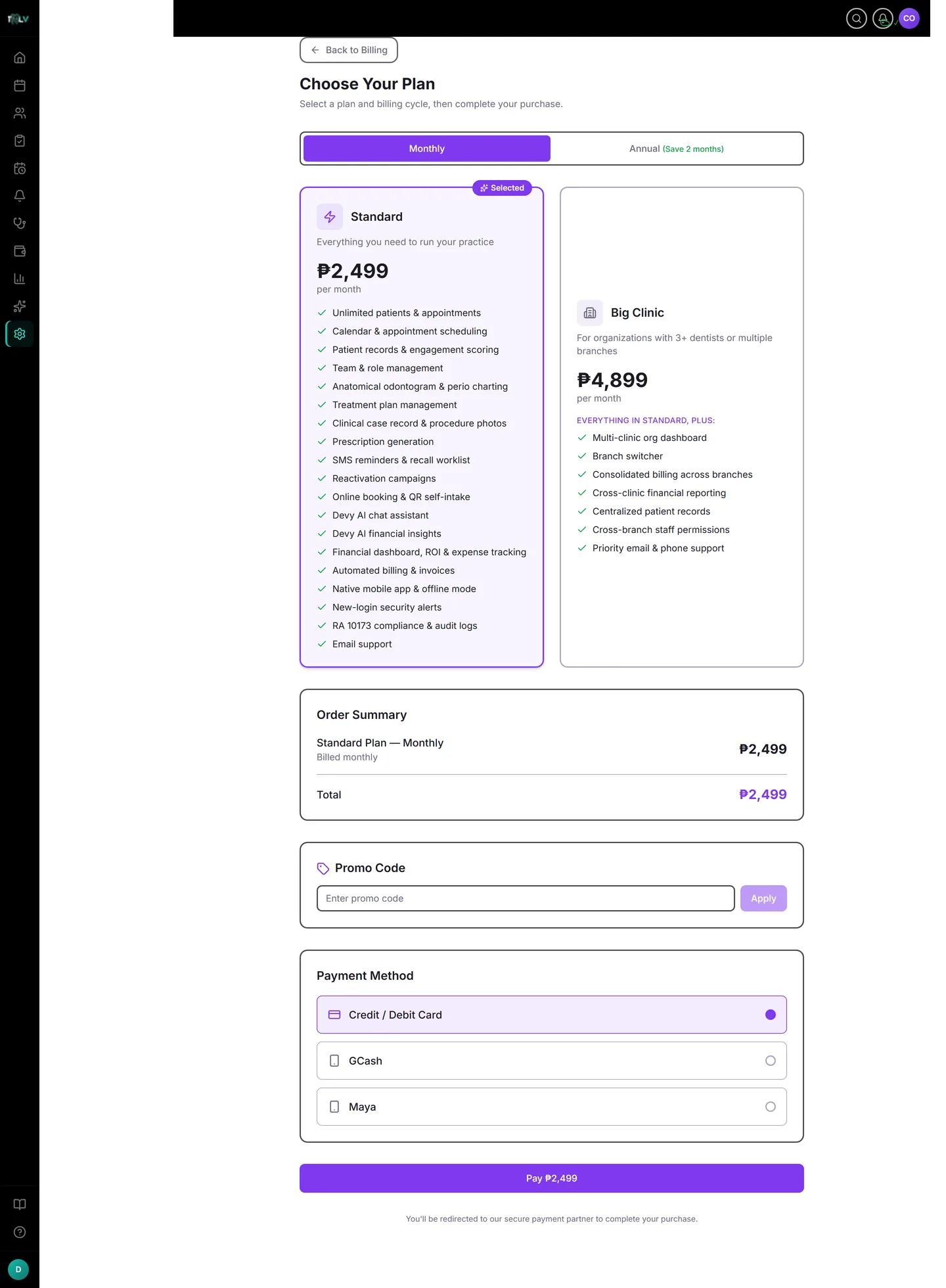
- Toggle the billing cycle to Annual — plan cards show the annual price and the "Save ~17%" note.
- Click Preview Changes for the pro-rata order summary (your unused monthly remainder is credited into the math), then confirm.
New subscribers can simply pick Annual at checkout — the toggle is labelled "(Save 2 months)" there.
The Commitment, Stated Plainly
Annual terms run to their end date: the Monthly toggle stays disabled until the term finishes (the date is shown on the Change Plan page), at which point switching back is the ordinary flow. Mark the renewal date wherever you track clinic finances — and enable Upcoming Renewal Notice in the billing Notification Preferences, which nudges you 7 days before so renewal is a decision, not a surprise.
Renewal Mechanics
Your subscription card shows the next billing date a year out. On auto-pay the saved card is charged then (check its expiry a year ahead — the card-expiry warning notification exists for exactly this); on manual billing the payment link arrives by SMS like any cycle, just twelve times less often.
Was this article helpful?
Need more help? Contact our support team