
Smart Insights: AI-Powered Clinic Analytics
How Devy, the DentalView insights engine, helps you forecast revenue, reduce no-shows, and spot at-risk patients.
The Analyst Who Never Sleeps
Dashboards answer questions you thought to ask; insights raise the ones you didn't. Devy's insight engine reads your clinic data continuously and surfaces cards when something deserves attention — a spending anomaly, patients drifting toward churn, revenue dipping month-over-month, birthdays worth a greeting. Think of it as an analyst on retainer whose entire job is noticing.
Where the Cards Appear
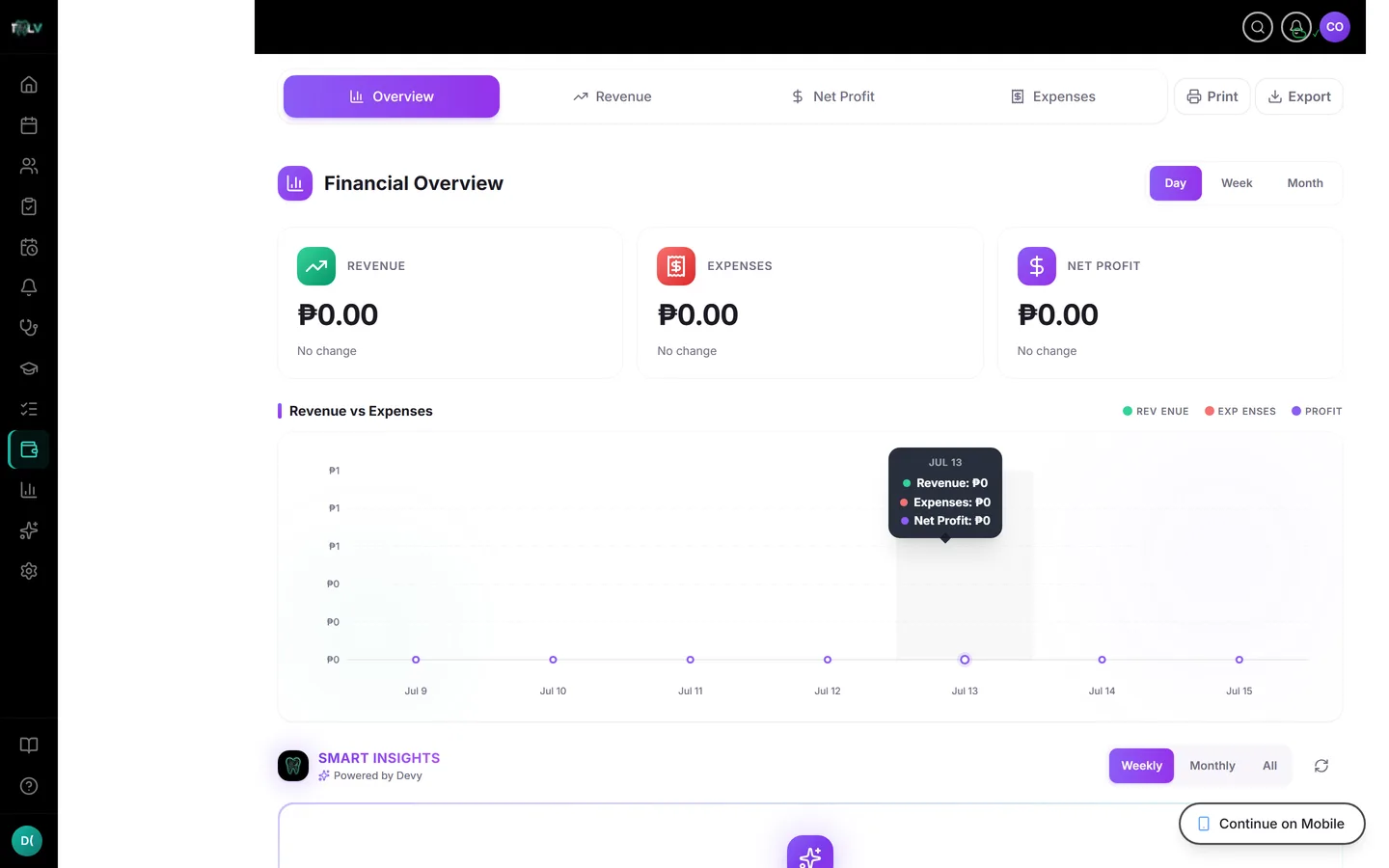
Three surfaces, same brain: the Devy Insights section on your main dashboard (the daily feed), the Smart Insights panel on the Financial Overview (money-flavored, with a Weekly / Monthly / All period toggle and a refresh button), and a compact list on the Performance & ROI report. You can also just ask Devy "any red flags?" and get the cards conversationally.
Reading a Card in Three Seconds
Color is category: amber warns (expense anomaly, churn risk, overdue-recall spike, expiring card, revenue dip, missed calls to return), green celebrates or offers (engagement champions, upcoming renewals, reactivation candidates, birthdays this week), violet informs (trends and forecasts). Priority is the border: red border means act today, amber this week, green when convenient. The key figures are bolded in the body, and most cards carry an action button that routes straight to the page where the fix lives — the recalls list, the patient set, the billing page.
Acting, Dismissing, Snoozing
The intended loop is: read, click through, handle the underlying thing — the insight resolves itself when the data changes. For cards that aren't actionable right now, the financial panel's ⋯ menu offers graduated silence: Got it (24h), Snooze 7 days, or Not useful (30 days) — the last one doubles as feedback. On the dashboard and ROI lists, the X simply dismisses. Prefer snoozing over reflexive dismissal: a churn-risk card you dismissed unread is a patient nobody called.
Why You Might Not See Insights Yet
The engine needs at least 3 days of clinic data before patterns mean anything — brand-new clinics see a countdown instead of noise, by design. Thin data produces few cards; a clinic that logs appointments, completes visits, and records expenses feeds the engine what it needs. And if a card notes "data may have changed since this insight was generated," re-check the live page before acting on stale arithmetic.
Trusting It the Right Amount
Insights are pattern detection, not judgment. "Supplies spending is 40% above your average" is a fact worth checking — maybe waste, maybe the annual bulk order. The cards' job is to make sure you look; deciding what the pattern means stays gloriously human.
Was this article helpful?
Need more help? Contact our support team